How to Spot a Phishing Email: 10 Red Flags You Must Know in 2026
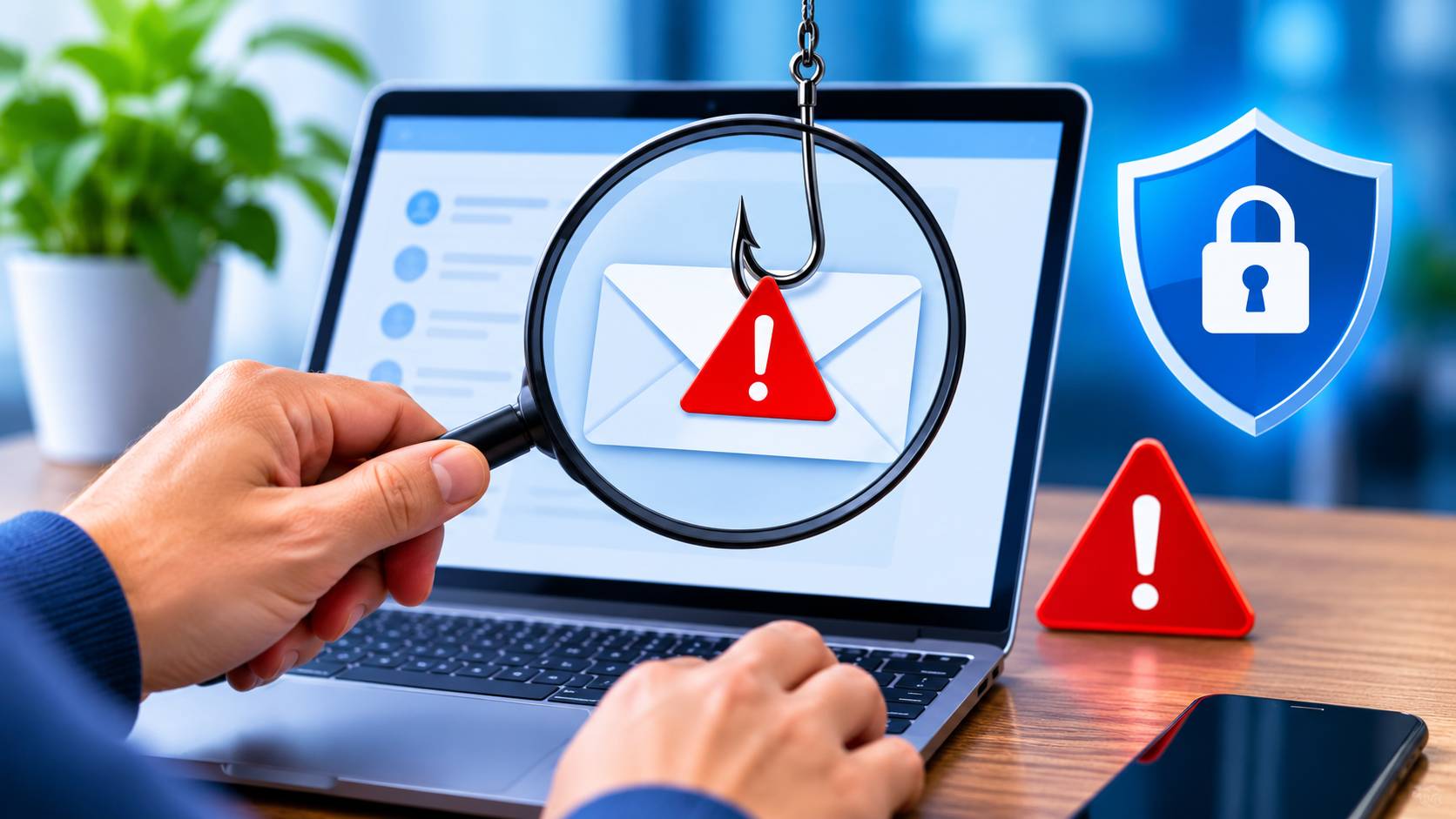
Table of Contents
Every day, over 3.4 billion phishing emails are sent worldwide. These deceptive messages are designed to steal your passwords, financial information, and personal data. Learning how to spot a phishing email is no longer optional — it is an essential digital survival skill in 2026.
In this comprehensive guide, we break down every tactic phishing attackers use, give you a reliable checklist to evaluate suspicious emails, and show you exactly what to do when you receive one. Whether you are an individual protecting your personal accounts or a business safeguarding sensitive data, this article will arm you with the knowledge you need.
What Is a Phishing Email?
A phishing email is a fraudulent message designed to trick you into revealing sensitive information — passwords, credit card numbers, Social Security numbers, or login credentials. Attackers impersonate trusted entities like banks, government agencies, or popular services (Amazon, Netflix, PayPal) to create a false sense of legitimacy.
Phishing is the most common form of cybercrime. According to the FBI's Internet Crime Complaint Center (IC3), phishing was the number one reported cybercrime in 2025, with losses exceeding $10 billion.
Why Phishing Emails Are More Dangerous Than Ever
Modern phishing attacks have evolved far beyond the poorly written "Nigerian prince" scams of the past. Today's phishing emails are:
- Hyper-personalized — Attackers use data from social media and breaches to craft convincing messages
- AI-generated — Large language models create grammatically perfect, contextually relevant emails
- Visually identical — Clone sites replicate legitimate websites pixel-for-pixel
- Multi-channel — Combined with phishing text messages (smishing) and voice calls (vishing)
- Targeted — Spear-phishing attacks focus on specific individuals with customized lures
10 Red Flags: How to Spot a Phishing Email
1. Suspicious Sender Address
The most reliable way to spot a phishing email is to carefully examine the sender's email address. Phishers often use addresses that look similar to legitimate ones but contain subtle differences:
- support@amaz0n-security.com instead of support@amazon.com (zero instead of 'o', extra domain)
- noreply@paypa1.com instead of noreply@paypal.com (number '1' instead of letter 'l')
- security@apple.com.suspicious-domain.net — the real domain is suspicious-domain.net, not apple.com
Pro Tip: Always check the actual email address, not just the display name. In most email clients, you can click on or hover over the sender name to see the full email address. If it does not match the organization it claims to be from, it is phishing.
2. Urgency and Threatening Language
Phishing emails create a false sense of urgency to pressure you into acting before thinking. Common phrases include:
- "Your account will be suspended in 24 hours"
- "Immediate action required — unauthorized access detected"
- "Your payment failed — update now or lose access"
- "You have 2 hours to verify your identity"
- "Failure to respond will result in legal action"
Legitimate companies do not threaten you with account closure over a single email. They send multiple notifications and provide reasonable timeframes. If an email makes you feel panicked, pause and verify through official channels.
3. Suspicious Links and URLs
Phishing emails almost always contain malicious links. Before clicking any link in an email, hover your mouse over it (without clicking) to preview the actual URL destination.
Watch for:
- Misspelled domains: bankofamerica.com vs. bankofamerrica.com
- Extra subdomains: login.paypal.com.attacker-site.com
- URL shorteners: bit.ly, tinyurl.com hiding the real destination
- HTTP instead of HTTPS: Legitimate financial sites always use HTTPS
- IP addresses instead of domains: http://192.168.1.1/login
If you are unsure about a link, use ScamSandbox's free website scanner to check if the URL is safe before visiting it. Simply paste the suspicious URL and get an instant safety report.
4. Generic Greetings
Legitimate companies that have your account know your name. Phishing emails often use generic salutations because they are sent to millions of people:
- "Dear Customer"
- "Dear User"
- "Dear Account Holder"
- "Dear Sir/Madam"
If your bank or a service you use starts an email with "Dear Customer" instead of your actual name, treat it with suspicion.
5. Grammar and Spelling Mistakes
While AI-generated phishing emails are improving, many still contain telltale errors:
- Awkward sentence structures
- Inconsistent formatting
- Mixed fonts or font sizes
- Unusual capitalization ("Your ACCOUNT has been COMPROMISED")
- Missing articles ("Please verify account" instead of "Please verify your account")
Professional organizations have editorial teams and quality control. A legitimate email from your bank should not read like it was hastily written.
6. Unexpected Attachments
Phishing emails frequently include malicious attachments disguised as invoices, receipts, shipping labels, or documents. Dangerous file types include:
- .exe, .scr, .bat — Executable files that install malware
- .zip, .rar — Compressed files hiding malware
- .docm, .xlsm — Microsoft Office files with malicious macros
- .html — Web pages that capture credentials
- .iso, .img — Disk image files containing malware
Never open attachments from unknown senders. Even if the email appears to come from someone you know, verify with them directly if you were not expecting an attachment. Learn more about malware threats and ransomware that can be delivered via email attachments.
7. Requests for Sensitive Information
No legitimate organization will ever ask you to send sensitive information via email:
- Passwords or PINs
- Social Security numbers
- Full credit card numbers
- Bank account details
- Two-factor authentication codes
If an email asks you to "verify" or "confirm" such information by replying or clicking a link, it is phishing — period.
8. Mismatched or Low-Quality Branding
Examine the visual elements of the email carefully:
- Blurry or pixelated logos
- Incorrect brand colors
- Outdated logos or branding
- Missing footer information (address, unsubscribe link)
- Inconsistent formatting compared to genuine emails from that company
9. "Too Good to Be True" Offers
Phishing emails sometimes lure victims with irresistible offers:
- "You've won a $1,000 Amazon gift card!"
- "Congratulations — you've been selected for a tax refund of $5,432"
- "Free iPhone 17 — claim yours now!"
- "Your inheritance of $2.5 million is ready for collection"
If you did not enter a contest or apply for something, you did not win anything. Delete these emails immediately.
10. Email Header Analysis
For advanced users, examining email headers reveals the true origin of a message:
- Return-Path: Should match the sender domain
- Received: Shows the actual servers the email passed through
- SPF, DKIM, DMARC: Authentication results — "fail" indicates spoofing
- X-Originating-IP: The sender's actual IP address
In Gmail, click the three dots > "Show original" to view full headers. In Outlook, open the message > File > Properties > Internet headers.
What to Do When You Spot a Phishing Email
- Do not click any links or download any attachments
- Do not reply to the email — even to say "stop"
- Report it — Forward to the impersonated company and to your email provider's abuse address
- Report to authorities — In the US, forward to reportfraud.ftc.gov. In the UK, forward to report@phishing.gov.uk
- Delete the email from your inbox and trash
- Scan suspicious URLs using ScamSandbox's free tool to check any links before you open them
- Alert your organization if you received it at work
If You Already Clicked a Phishing Link
Do not panic, but act quickly:
- Disconnect from the internet to prevent data transmission
- Change your passwords immediately — start with the account that was targeted
- Enable two-factor authentication on all important accounts
- Run a full antivirus scan on your device
- Monitor your accounts for unauthorized transactions
- Consider a credit freeze if personal information was exposed
- Report the incident to FBI IC3
If you lost money, read our detailed guide on how to get your money back after being defrauded online.
Types of Phishing Attacks to Watch For
Spear Phishing
Targeted attacks using personal information gathered from social media, company websites, or data breaches. These are highly personalized and very convincing.
Whaling
Spear phishing targeting C-level executives and high-value individuals. These emails often impersonate board members, regulators, or legal authorities.
Clone Phishing
Attackers copy a legitimate email you previously received, replace the links or attachments with malicious ones, and resend it claiming to be an "updated" version.
Smishing (SMS Phishing)
Phishing via text messages. Increasingly common with fake delivery notifications and bank alerts. Read our full guide on phishing scam text messages.
Business Email Compromise (BEC)
Attackers compromise or impersonate business email accounts to authorize fraudulent wire transfers. This caused over $2.7 billion in losses in 2025 alone.
Tools and Resources for Phishing Protection
- ScamSandbox URL Scanner — Check any suspicious URL instantly
- ScamSandbox Phone Scam Database — Look up suspicious phone numbers that accompany phishing
- VirusTotal — Scan files and URLs for malware
- Have I Been Pwned — Check if your email was involved in a data breach
Frequently Asked Questions
Can phishing emails install malware just by opening them?
In most modern email clients, simply opening (reading) an email will not install malware. However, clicking links, downloading attachments, or enabling macros in attached documents can. Some older or unpatched email clients may be vulnerable to "zero-click" exploits, so always keep your software updated.
How do I report a phishing email?
In the US, forward phishing emails to the FTC at spam@uce.gov and report to the FBI IC3. In the UK, forward to report@phishing.gov.uk and report to Action Fraud. Also report to the company being impersonated.
Why do I keep getting phishing emails?
Your email address may have been exposed in a data breach, listed on a public website, or sold by a data broker. Use Have I Been Pwned to check. Consider using email aliases and enabling strong spam filters.
Is it safe to unsubscribe from a phishing email?
No. Never click "unsubscribe" in a suspected phishing email. The unsubscribe link may lead to a malicious site or confirm to the attacker that your email address is active, leading to more phishing attempts.
What is the difference between phishing and spam?
Spam is unsolicited commercial email (annoying but usually harmless). Phishing is a deliberate attempt to steal your information or money by impersonating a trusted entity. Phishing is a criminal offense; spam is merely a nuisance.
Protect Yourself Today
Phishing emails will continue to evolve, but the fundamental red flags remain consistent. By staying vigilant, verifying senders, and using tools like ScamSandbox to check suspicious links, you can protect yourself and your loved ones from falling victim.
If you suspect you have been targeted by a scam — whether by email, phone, or text — scan the suspicious website or link with ScamSandbox for an instant safety assessment. Stay safe, stay skeptical, and always verify before you trust.