What Is the Malware That Threatens to Delete Files? Ransomware Explained
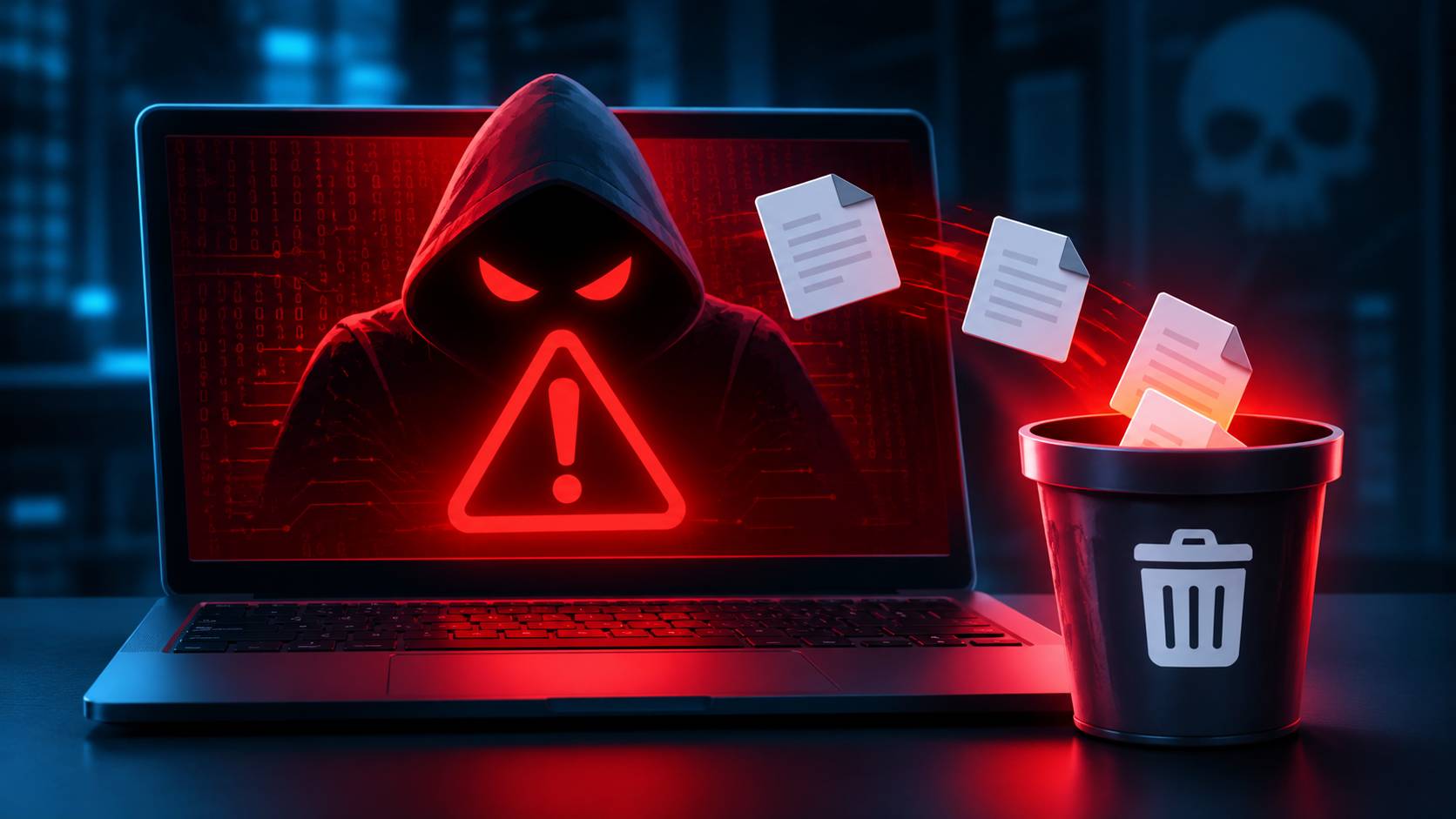
Table of Contents
You turn on your computer and see a terrifying message: "Your files have been encrypted. Pay $500 in Bitcoin within 72 hours or your data will be permanently deleted." This is ransomware — the malware that threatens to delete files and has caused billions of dollars in damages worldwide.
Ransomware is one of the most dangerous and fast-growing cybersecurity threats of our time. In this guide, we explain exactly what ransomware is, how it works, the most notorious variants, how to prevent infection, and what to do if your computer is already compromised.
What Is Ransomware?
Ransomware is a type of malicious software (malware) that encrypts your files or locks you out of your system entirely, then demands payment (a "ransom") to restore access. Some variants threaten to:
- Permanently delete your files if payment is not made before a deadline
- Publish your private data online (known as "double extortion")
- Increase the ransom amount as time passes
- Destroy the decryption key after the deadline
Ransomware attacks have hit hospitals, schools, governments, businesses, and individual users. No one is immune.
How Does Ransomware Infect Your Computer?
1. Phishing Emails
The most common infection vector. An email contains a malicious attachment (often a Word document with macros or a ZIP file) or a link to a compromised website. Learn to recognize these threats with our guide on how to spot a phishing email.
2. Malicious Websites and Downloads
Visiting compromised websites or downloading pirated software can trigger drive-by downloads that install ransomware without your knowledge. Always scan suspicious websites with ScamSandbox before visiting them.
3. Remote Desktop Protocol (RDP) Exploitation
Attackers scan the internet for computers with exposed RDP ports and use brute-force or stolen credentials to gain access. This is especially common in business attacks.
4. Software Vulnerabilities
Unpatched operating systems and applications provide entry points. The infamous WannaCry attack exploited a Windows vulnerability (EternalBlue) that Microsoft had already patched — but millions of systems had not been updated.
5. USB Drives and External Devices
Infected USB drives can deliver ransomware when plugged into a computer. Some attackers deliberately drop infected USB drives in public places ("USB baiting").
6. Compromised Software Supply Chain
Legitimate software updates are hijacked to deliver ransomware. The 2021 Kaseya attack and the SolarWinds breach demonstrated how devastating supply chain attacks can be.
The Most Notorious Ransomware Variants
CryptoLocker (2013)
One of the first modern ransomware variants. CryptoLocker encrypted files using strong RSA-2048 encryption and demanded Bitcoin payment. It infected over 250,000 systems and extorted an estimated $3 million before being shut down by law enforcement.
WannaCry (2017)
The largest ransomware attack in history. WannaCry exploited the EternalBlue Windows vulnerability and spread automatically across networks (worm behavior). It infected over 230,000 computers in 150 countries, crippling the UK's National Health Service (NHS), FedEx, and numerous other organizations. Damage estimates exceeded $4 billion.
NotPetya (2017)
Initially disguised as ransomware, NotPetya was actually a destructive wiper — it encrypted the master boot record with no way to decrypt it, even if you paid. It caused over $10 billion in damages globally, making it the most destructive cyberattack in history at the time.
Ryuk (2018-Present)
A targeted ransomware used against large organizations, often delivered after initial compromise via TrickBot or Emotet malware. Ryuk demanded ransoms ranging from $100,000 to $15 million and has been linked to the North Korean-affiliated Lazarus Group.
REvil/Sodinokibi (2019-2022)
A "Ransomware-as-a-Service" (RaaS) operation where the developers rented out the ransomware to affiliates. Responsible for the JBS meat processing attack ($11 million ransom paid) and the Kaseya supply chain attack (affecting 1,500 businesses).
LockBit (2020-Present)
Currently one of the most active ransomware operations. Known for fast encryption speeds, a bug bounty program for its own malware, and a professional extortion website where stolen data is published.
BlackCat/ALPHV (2021-Present)
Written in Rust programming language for cross-platform capability. Known for triple extortion — encrypting files, threatening to publish data, and launching DDoS attacks against victims who refuse to pay.
What to Do If You Are Infected with Ransomware
Immediate Steps
- Disconnect from the network immediately — unplug Ethernet cables and disable WiFi to prevent spread to other devices
- Do NOT turn off the computer — some decryption keys are stored in RAM and lost on shutdown
- Take a photo of the ransom message — include any Bitcoin address, payment URL, or timer shown
- Note the ransomware name — it is usually displayed in the ransom note
- Isolate other devices on the same network
Identify the Ransomware
- Visit No More Ransom — a project by Europol and security companies that provides free decryption tools for many ransomware variants
- Upload an encrypted file sample and the ransom note to ID Ransomware for identification
- Check if a free decryptor is available before considering payment
Should You Pay the Ransom?
Law enforcement agencies universally advise against paying ransoms. Here is why:
- No guarantee of decryption — some variants have broken decryptors or the criminals simply take the money
- Funds criminal operations — your payment finances future attacks
- You may be targeted again — paying marks you as willing to pay
- Legal risks — paying ransoms to sanctioned entities (some ransomware groups are sanctioned by OFAC) can be illegal
However, the reality is complex. Organizations with no backups and critical data may face an impossible choice. The FBI recommends reporting the incident regardless of whether you pay.
Recovery Without Paying
- Check No More Ransom for free decryptors
- Restore from backups — if you have clean, offline backups
- Try shadow copies — some ransomware fails to delete Windows Shadow Copies (use ShadowExplorer)
- Contact a cybersecurity firm — some can negotiate reduced ransoms or find alternative recovery methods
- Report to authorities — the FBI and other agencies sometimes have decryption keys from disrupted operations
How to Prevent Ransomware Infections
Essential Prevention Steps
- Maintain offline backups — Follow the 3-2-1 rule: 3 copies, 2 different media types, 1 offsite. Ensure at least one backup is offline (air-gapped)
- Keep all software updated — Enable automatic updates for your OS, browser, and applications
- Use reputable antivirus/anti-malware — Windows Defender, Malwarebytes, Bitdefender, Norton
- Enable email filtering — Block malicious attachments and links at the email server level
- Be cautious with email attachments — Never enable macros in documents from unknown senders
- Disable RDP if not needed — If required, use VPN and strong passwords with 2FA
- Use strong, unique passwords with a password manager
- Enable two-factor authentication on all accounts
- Segment your network — Separate critical systems from general-use computers
- Train yourself and your family/colleagues to recognize phishing emails
Secure Your Home Network
Ransomware can spread across home networks too. Read our guide on how to secure your home WiFi to prevent unauthorized network access that could facilitate ransomware delivery.
Frequently Asked Questions
Can ransomware really delete my files permanently?
Yes. Some ransomware variants (like Jigsaw) delete files incrementally as the deadline approaches. Others (like NotPetya) are actually destructive wipers disguised as ransomware — they have no real decryption capability. The threat to delete files is often real.
Can ransomware infect my phone?
Yes, though it is more common on Android than iPhone. Mobile ransomware typically locks the screen rather than encrypting files. For iPhone-specific threats, read our guide on how to remove a virus from iPhone.
Does antivirus protect against ransomware?
Modern antivirus software with ransomware-specific protection (behavioral detection) can block many attacks, but no solution is 100% effective. Backups remain your ultimate protection — if you have clean backups, ransomware cannot hold your data hostage.
How much do ransomware attackers demand?
Individual users may face demands of $200-$2,000. Businesses typically face demands of $10,000-$50 million depending on their perceived ability to pay. The average ransom payment in 2025 was approximately $570,000.
Is it illegal to pay a ransomware demand?
In the US, paying ransom to groups on the OFAC sanctions list is potentially illegal. The Treasury Department has issued advisory guidance on this topic. In practice, enforcement against victims has been rare, but the legal risk exists. Consult legal counsel if facing a large ransom demand.
Stay Protected
Ransomware is a severe threat, but it is largely preventable with proper preparation. Maintain offline backups, keep your software updated, be cautious with emails and downloads, and secure your network. Use ScamSandbox to verify suspicious websites and links before clicking them — many ransomware infections begin with a visit to a compromised or malicious website.
For more cybersecurity guides, visit our blog.