Godfather Malware: The Android Banking Trojan Stealing Credentials Worldwide
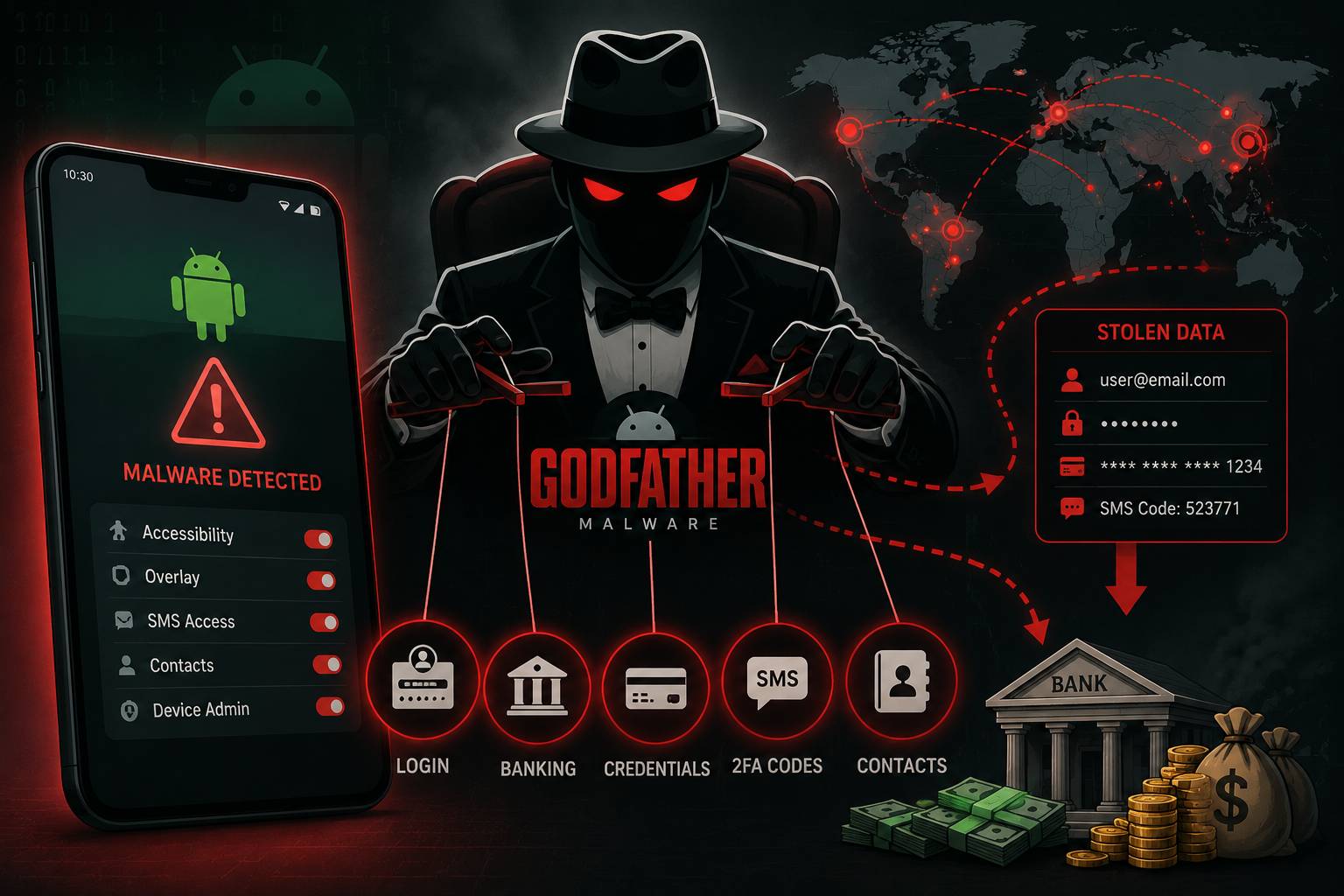
Table of Contents
In late 2022, a new Android banking trojan emerged from the cybercrime underground with a level of sophistication that alarmed security researchers worldwide. Dubbed Godfather, the malware targeted users of over 400 banking apps and cryptocurrency platforms across 16 countries. By 2024, Godfather had evolved through multiple versions and remained one of the most active mobile banking threats globally.
What Is Godfather Malware?
Godfather is an Android banking trojan — a category of malware specifically designed to steal banking credentials, intercept authentication codes, and take over financial accounts on mobile devices.
First publicly documented by Group-IB in late 2022, Godfather is believed to be based on the source code of Anubis, a previous banking trojan whose code leaked online. The operators clearly had significant development resources — Godfather's codebase was substantially rewritten and upgraded compared to Anubis, with improved C2 infrastructure and new evasion capabilities.
How Godfather Works
Initial Infection
Godfather primarily spreads through fake apps distributed outside the Google Play Store and, in some documented cases, through Play Store apps that act as droppers, downloading the malware payload after installation to avoid initial detection.
Common disguises include:
- Fake currency converter apps
- Fake music streaming apps
- Counterfeit banking apps mimicking real institutions
- Fake crypto wallet applications
Permissions Abuse
Once installed, Godfather requests Accessibility Service permissions — a powerful Android permission that allows apps to observe and interact with other applications on the device. This is the key to its credential theft capability.
With Accessibility Service access, Godfather can:
- Detect when the user opens a targeted banking or crypto app
- Overlay a fake login page on top of the legitimate app (screen overlay attack)
- Capture everything the user types into the fake overlay
- Read and forward SMS messages containing 2FA codes
- Record the screen
Screen Overlay Attacks
The core technique is the WebView overlay. When a user opens their banking app, Godfather detects the package name and immediately overlays a pixel-perfect fake login screen — a WebView displaying a phishing page that looks identical to the real app. The user believes they're logging into their bank, but their credentials go to the attacker's server.
C2 Communication
Godfather communicates with its command-and-control server using encrypted channels. Notably, it uses Telegram bots as a C2 channel in some variants — traffic to Telegram is rarely blocked, making this effective in enterprise environments.
Geographic Targeting
Godfather has been documented targeting banking customers across:
- United States (49 targeted apps)
- Turkey (31 apps)
- Spain (30 apps)
- Canada, France, Germany, UK (significant targeting)
- Italy, Poland, Sweden, Australia, Belgium, Netherlands (moderate targeting)
Interestingly, Godfather code includes a check that stops execution if the device language is set to Russian, Azerbaijani, Armenian, Belarusian, Kazakh, Kyrgyz, Moldovan, Uzbek, or Tajik — strongly suggesting the developers are based in a Russian-speaking country.
Evolution of Godfather
Godfather v1 (2022): Initial release targeting banking and crypto apps
Godfather v2 (2023): Added improved anti-emulation, VNC (Virtual Network Computing) capability for real-time remote device viewing and control, and screen recording features. Also added keylogging independent of the overlay attack.
Godfather v3 (2024): Enhanced obfuscation, improved C2 infrastructure redundancy, and expanded targeting list.
How to Protect Your Android Device
Don't Sideload Apps
The vast majority of Godfather infections occur through apps installed outside the Google Play Store. Never enable "Install from Unknown Sources" unless you have a specific, trusted need and understand the risks.
Check App Permissions
If any app requests Accessibility Service permissions and it's not a screen reader or accessibility tool you explicitly need, reject it. Banking trojans cannot function without this permission on modern Android.
Use Official Banking Apps Only
Only download banking apps from links provided on your bank's official website. Don't search the app store — search results can be manipulated. Bookmark the direct Play Store link for your bank's official app.
Enable Play Protect
Google Play Protect scans installed apps for malware. Ensure it's enabled: Google Play > Profile icon > Play Protect > Settings.
Use a Dedicated Device for Banking
High-risk individuals should consider using a separate, unmodified Android device solely for banking — no other apps installed.
What to Do If Infected
- Immediately change banking passwords from a clean device (computer, different phone)
- Call your bank's fraud line to flag potentially compromised accounts
- Enable additional verification on your accounts (freeze cards if necessary)
- Factory reset the infected device — Godfather cannot survive a factory reset
- Report the incident to your local cybercrime authority
FAQ
Can Godfather bypass two-factor authentication?
Yes. By intercepting SMS messages containing 2FA codes, Godfather can forward these to the attacker in real-time, allowing them to log in before the code expires.
Does Godfather affect iPhones?
No — Godfather is Android-specific. However, iOS users face different (and often more expensive) banking trojans.
Can I get Godfather from the Google Play Store?
Primarily no, but dropper apps have occasionally made it through Play Store review. The risk is significantly higher from third-party app stores.
Does factory reset fully remove Godfather?
Yes — a full factory reset removes Godfather. Malware that survives factory resets requires firmware-level compromise, which is far less common.
This article is published by ScamSandbox to help users understand and avoid malware threats and online scams.