Amazon Redirect Malware: How to Detect and Remove It From Your Device
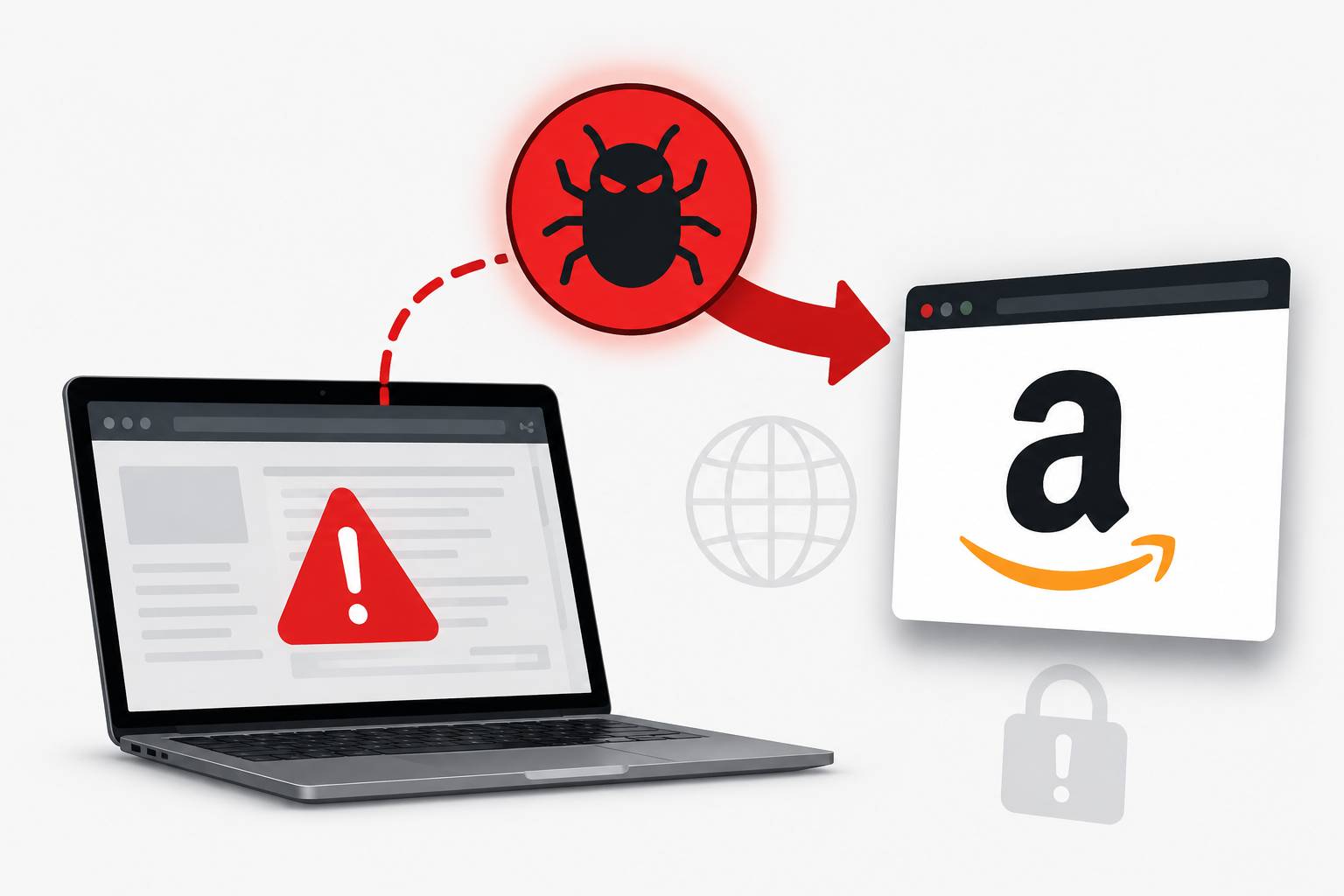
Table of Contents
You're searching Amazon normally when something odd happens — the URL changes slightly, you get redirected through an unfamiliar page, or your searches go somewhere unexpected before landing on Amazon. You might have Amazon redirect malware: a browser hijacker or affiliate-fraud adware that secretly routes your Amazon sessions through an attacker's affiliate link.
What Is Amazon Redirect Malware?
"Amazon redirect malware" is a broad term for browser-based threats that manipulate how you reach and interact with Amazon. The underlying motivations vary:
Affiliate fraud: The most common type secretly injects the attacker's Amazon affiliate ID into your shopping URLs. When you buy something, Amazon's affiliate program pays a commission to the attacker — while you pay full price and receive your item normally. You might never notice anything's wrong.
Credential phishing: More dangerous variants redirect to convincing fake Amazon login pages to steal your username and password before passing you to the real site.
Ad injection: Adware modifies Amazon pages to display additional ads or replace legitimate Amazon ads with the attacker's advertising inventory.
Data harvesting: Some browser hijackers record your Amazon browsing behavior — searches, products viewed, purchase amounts — and sell this data to data brokers.
How It Gets on Your Device
Browser Extensions
The most common vector is a malicious browser extension. You might install what appears to be a coupon finder, price comparison tool, or shopping assistant — and the extension secretly includes affiliate link injection code.
Legitimate-sounding extension names like "Honey Alternative," "BestPrice Finder," or "Amazon Price Tracker" have been found to inject affiliate codes without disclosure.
Bundled Software
Free software installers (particularly download managers, PDF tools, and media players) often bundle browser hijackers. The hijacker installs alongside the desired software, often without clear disclosure.
Malicious Ads
Clicking a malicious ad can trigger a drive-by download that installs a browser hijacker without your explicit action.
Modified Hosts File
Some malware modifies the Windows hosts file to redirect Amazon domains to attacker-controlled IP addresses. This is used for phishing — instead of going to Amazon's servers, your browser connects to a look-alike page.
Signs You Have Amazon Redirect Malware
- URL changes when you navigate to amazon.com — you see a brief redirect through another domain
- Your Amazon searches are redirected through a different search engine first
- Extra affiliate parameters (like
tag=someaffiliateid) appear in Amazon URLs you didn't put there - Pop-up ads appear on Amazon that don't normally appear
- Fake coupon prompts or discount offers overlay the real Amazon page
- Your browser homepage or default search engine changed to something unfamiliar
How to Remove Amazon Redirect Malware
Step 1: Audit Your Browser Extensions
This is the most important step. Go through every installed extension in your browser:
- Chrome: Settings > More Tools > Extensions
- Firefox: about:addons
- Edge: edge://extensions
- Safari: Preferences > Extensions
Remove every extension you don't clearly recognize or actively use. Be especially suspicious of shopping, coupon, and price comparison tools you don't remember installing.
Step 2: Scan with Malwarebytes
Download Malwarebytes Free from the official site (malwarebytes.com). Run a full scan. It specializes in detecting browser hijackers and adware that traditional antivirus often misses.
Step 3: Check Installed Programs
On Windows: Settings > Apps > Installed Apps. Sort by date and look for recently installed programs you don't recognize. Uninstall anything suspicious.
Step 4: Reset Browser Settings
If hijacking persists after removing extensions and programs:
- Chrome: Settings > Reset settings > Restore settings to their original defaults
- Firefox: Help > More Troubleshooting Information > Refresh Firefox
- Edge: Settings > Reset settings > Restore settings to their default values
Step 5: Check the Hosts File (Windows)
Open Notepad as administrator, then open C:\Windows\System32\drivers\etc\hosts. The only entries should be localhost entries (127.0.0.1 and ::1). Delete any Amazon-related entries added by malware.
macOS
Run Malwarebytes for Mac, audit Safari/Chrome extensions, and check for unwanted Login Items in System Settings > General > Login Items.
Preventing Reinfection
- Install only extensions from publishers you recognize, with substantial review history
- Read extension permissions — a coupon tool should not need access to all your browsing data
- Download software from official developer sites only
- Use uBlock Origin to block malicious redirects and ad networks used to distribute hijackers
FAQ
Am I paying more when Amazon redirect malware is active?
Not typically. Affiliate fraud means the attacker earns a commission from Amazon, but you pay the same price. The harm is to Amazon's affiliate program integrity, not your wallet — unless the malware is redirecting you to phishing pages.
Can redirect malware steal my Amazon password?
Some variants can, particularly those using hosts file manipulation or fake login page overlays. Change your Amazon password if you suspect infection and enable two-step verification.
Does this malware only affect Amazon?
Rarely. Most browser hijackers work across multiple shopping sites and search engines.
Can an iPhone or Android get this malware?
Mobile Safari and Chrome have more restricted extension ecosystems. Mobile browser hijacking is less common but not impossible through malicious apps.
This article is published by ScamSandbox to help users understand and avoid malware threats and online scams.