Geek Squad Scam Email (2026): The Fake Renewal Invoice Explained
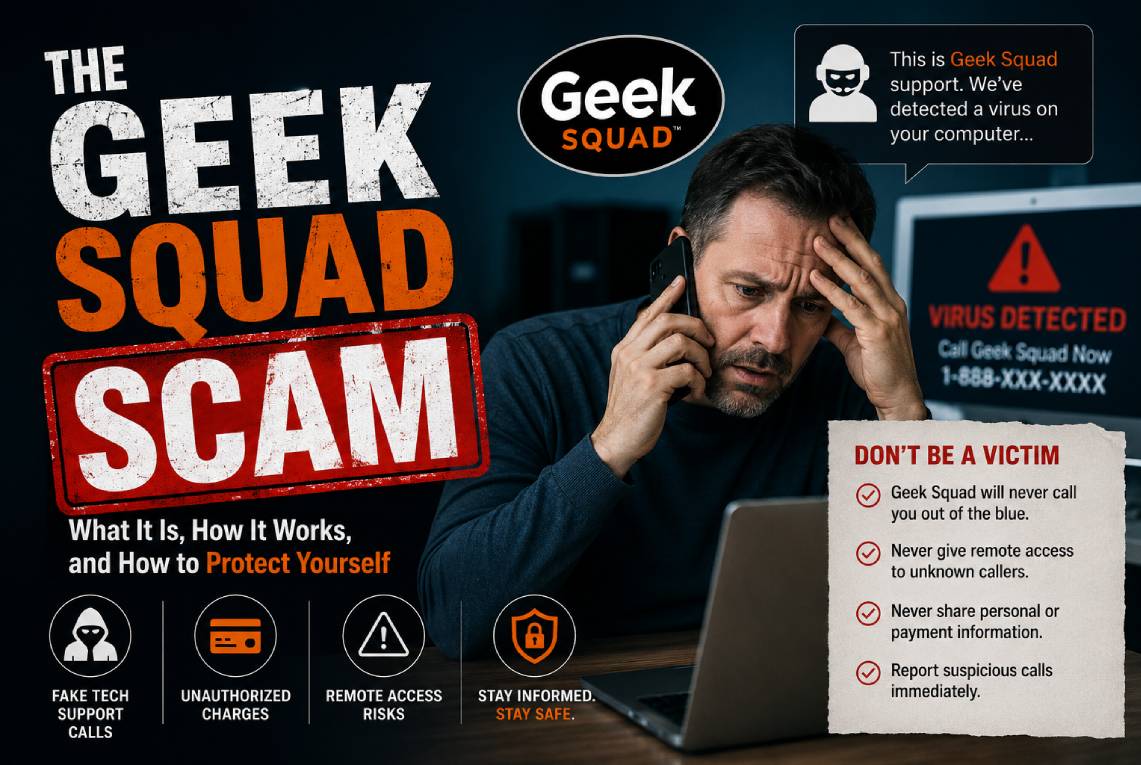
Table of Contents
If a "Geek Squad" email says your membership just auto-renewed for $399.99 and tells you to call a number to cancel — don't call. It's a scam. There's no real subscription, no real charge, and the phone number connects you straight to fraudsters waiting to drain your bank account.
The Geek Squad scam email is one of the most common phishing attacks in the U.S. — Best Buy and Geek Squad were the single most impersonated brand in FTC reports, with around 52,000 complaints in a recent year. Here's exactly how it works, why it's so effective, and what to do.
What is the Geek Squad scam email?
It's an impersonation scam. Criminals pose as Best Buy's Geek Squad tech-support team and send a fake invoice or renewal notice for a service you never bought — usually a "membership" or "antivirus subscription" priced somewhere between $300 and $500. The email includes an official-looking receipt and, crucially, a phone number to call if you want to cancel or dispute the charge.
That phone number is the entire trap. Unlike most phishing, the classic Geek Squad email often has no malicious link to click — just a number. That's deliberate. It's a technique called callback phishing: by getting you to make the call, scammers sail right past spam filters and email security tools, which are looking for bad links and attachments, not phone numbers.
Why it works on almost everyone
The email is engineered to trigger panic. You see a big charge — hundreds of dollars — hitting a card you supposedly have on file, and your instinct is to fix it right now. The scam works on two groups at once: people who've never used Geek Squad (and want to dispute a charge that shouldn't exist) and actual past customers (who aren't sure if it's real). Either way, you reach for the phone.
And because the messages are blasted out in bulk, they usually open with a generic "Dear Customer" rather than your name.
What happens when you call
This is where the real damage is done. A polished "agent," often working from a script, walks you through one of these plays:
- "Let me process your refund / cancellation." They ask for your bank or card details to "reverse" the charge — handing your account straight to them.
- The remote-access trap. They say they need to connect to your computer to issue the refund and direct you to install legitimate remote-access software like AnyDesk, TeamViewer, or LogMeIn. Once they're in, they can see your screen, move money, and plant malware.
- The fake "overpayment" loop. While remotely connected, they pretend to refund you — then claim they "accidentally" sent far too much (say, $4,000 instead of $400) and beg you to return the difference via gift cards, wire transfer, or crypto. The "refund" was never real; the money you "return" is your own.
The common variations in 2026
- The auto-renewal invoice (the classic). "Your Geek Squad membership has been renewed — invoice attached. Call to cancel."
- The refund bait. "We're discontinuing your service and owe you a refund, but we can't return it to your card — send your bank details / crypto wallet."
- The malicious PDF. The "invoice" is an attachment — a macro-laced document or a disguised executable that installs malware when opened.
- The virus / antivirus alert. "Your subscription is expiring" or "we detected viruses on your device" — the link downloads malware.
- The account-security spoof. "Suspicious sign-in detected / reset your password" — the link steals your login.
- The Best Buy or PayPal hybrid. An invoice for an expensive physical item (a 75" TV, a MacBook) or a PayPal-branded receipt, designed to make you panic-call even faster.
How to spot a Geek Squad scam email
- Check the sender's real address. Tap the sender name. If the domain isn't an official Best Buy address — if it's random letters, numbers, or a lookalike — it's fake.
- A big charge for something you don't remember buying. Especially if you've never been a Geek Squad member.
- "Call this number to cancel." Real companies don't structure billing around an urgent phone-only cancellation window.
- Urgency and threats. "You'll be charged in 24 hours unless you call."
- A generic greeting ("Dear Customer") instead of your name.
- Odd formatting, typos, or mismatched logos.
What to do if you get one
- Don't call the number and don't open the attachment.
- Verify independently. If you're genuinely worried about a charge, check your bank or card statement directly, or contact Best Buy through its official website — never the contact details in the email.
- Report it as phishing in your email client, then delete it. You can also report to the FTC at ReportFraud.ftc.gov.
What to do if you already called or gave access
- Disconnect and uninstall any remote-access app (AnyDesk, TeamViewer, LogMeIn) they had you install, then run a full malware scan.
- Call your bank immediately. Report it, freeze or replace affected cards, and dispute any transactions.
- Change your passwords from a clean device and enable two-factor authentication — starting with email and banking.
- Check your email for sneaky forwarding rules the scammer may have set up to intercept your messages.
- If you sent gift cards, a wire, or crypto, report it right away — to the card issuer, the wire service, and the FTC. Fast action occasionally allows a reversal.
The bottom line
The Geek Squad email scam survives because it weaponizes a fake charge to make you panic and pick up the phone. The defense is simple: a renewal email is never a reason to call the number inside it. If you think a charge might be real, verify it directly with your bank or Best Buy — and treat any "agent" who asks for remote access or wants you to return an overpayment as a scammer, every single time.
Frequently asked questions
I called the Geek Squad number but hung up before giving any info. Am I okay?
Yes — no harm is done by the call alone. You've confirmed your number is live, so you may get follow-up scam calls. Don't engage, and never give information or grant remote access in future calls.
Is the Geek Squad email dangerous if I just open it?
Simply opening the email is generally safe. The danger comes from calling the number, clicking a link, or opening the attachment. Don't do any of those — report and delete it.
I'm an actual Geek Squad member. How do I know if a renewal is real?
Ignore the email's contact details entirely. Log in to your account on Best Buy's official site or check your bank statement to confirm whether any charge actually exists.
Why does the email have a phone number instead of a link?
It's a deliberate tactic called callback phishing. A phone number slips past email security filters that scan for malicious links, and a live phone conversation lets scammers manipulate you in real time.
Sources: U.S. Federal Trade Commission, FBI / IC3, Better Business Bureau, and security reporting from Aura, NordVPN, Avast, and Surfshark (2023–2026).