I Clicked a Phishing Link — What to Do Now (Step-by-Step)
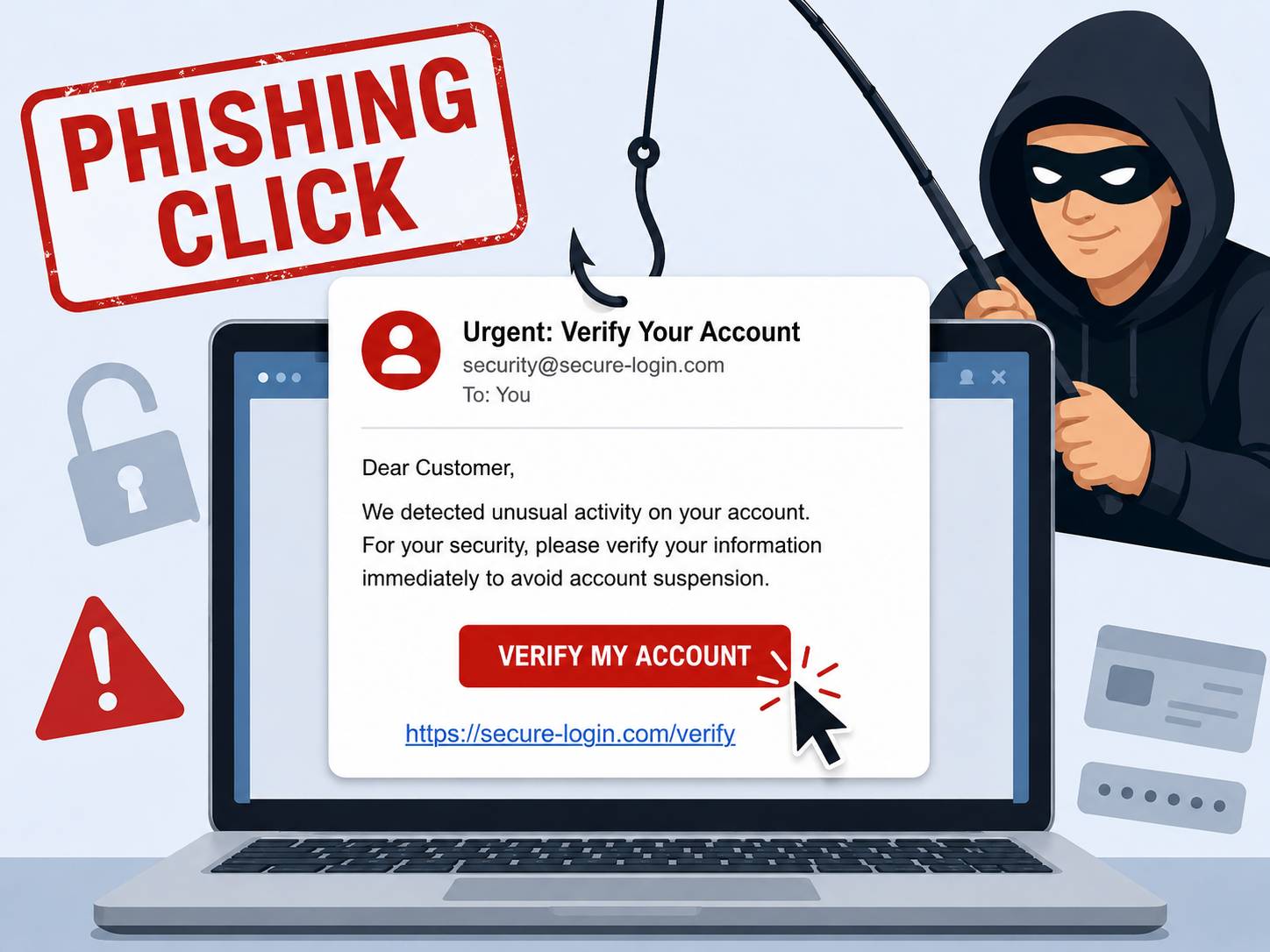
Table of Contents
First, take a breath. Clicking a phishing link is not the same as being hacked. In most cases, simply opening a malicious page does nothing on its own — the real damage happens when you go a step further: entering a password, downloading a file, or approving a payment. What you do in the next ten minutes matters far more than the click itself.
This guide walks you through it, from worst case to best.
Step 1: Figure out how far you actually went
Your risk depends entirely on what happened after the click. Be honest with yourself about which of these you did:
- Only opened the page, then closed it. Lowest risk. You likely just confirmed your email is active to the scammer.
- Entered a username, password, or card number. High risk. Assume those credentials are now in someone else's hands.
- Downloaded or opened a file (PDF, ZIP, "invoice", installer). High risk. Your device may be compromised.
- Approved a login prompt or two-factor request you didn't start. Critical. An attacker may be inside an account right now.
Identify your situation, then act accordingly below.
Step 2: Disconnect if you downloaded anything
If you downloaded or ran a file, disconnect the device from the internet immediately — turn off Wi-Fi or unplug the cable. This cuts off any malware trying to "phone home" or pull down a second payload, and buys you time to scan.
Do not keep using the device for sensitive tasks (banking, email) until it's been scanned with reputable antivirus software.
Step 3: Change your passwords — from a different device
If you typed any credentials into the fake page, change that password now. Two rules:
- Use a device you trust, not the one that may be infected.
- Change it everywhere you reused it. If your email password was also your shopping password, attackers will try it across dozens of sites within hours.
Start with your most important account: your primary email. It's the master key — whoever controls it can reset the password on everything else.
Step 4: Turn on two-factor authentication (2FA)
Even if a scammer now has your password, two-factor authentication stops them from logging in without a second code. Enable it on your email, banking, and any account tied to money. An authenticator app or hardware key is stronger than SMS codes, which can themselves be intercepted.
Step 5: Watch your money
For the next few weeks, check bank and card statements closely. If you entered payment details, call your bank, tell them you may have been phished, and ask whether they recommend freezing the card or issuing a new one. Many banks can also flag your account for closer monitoring.
Step 6: Check whether the link was actually malicious
Knowing what you clicked helps you judge how worried to be. You don't need to revisit the dangerous page to do this — paste the URL into a scanner that analyzes it in a safe, isolated environment.
💡 Check suspicious links safely with ScamSandbox
A good scanner will tell you whether the domain is newly registered, whether it impersonates a known brand, whether it's already been reported by other users, and whether it tries to harvest credentials.
You can run that check for free with ScamSandbox's website scanner — just paste the link instead of opening it again. Our tool analyzes over 20 security sources to give you an instant verdict.
Step 7: Report it to protect others
Reporting helps get the scam taken down faster and protects others:
- Email phishing: forward it to your email provider's abuse address and to your country's reporting body (in the US,
reportphishing@apwg.org; the FTC atreportfraud.ftc.gov). - Text/SMS phishing: forward the message to 7726 (spells "SPAM") in the US, UK, and many other countries.
- A fake website: report the URL through ScamSandbox or to Google Safe Browsing so it can be flagged in browsers.
What scammers can actually do with a click
Understanding the goal helps you respond proportionally. A phishing link usually wants one of three things:
- Your credentials — a fake login page that captures whatever you type.
- Your money — a fake checkout, "delivery fee," or "account verification" payment.
- Access to your device — by tricking you into downloading malware.
If you didn't give it any of those, you're probably fine — but the steps above are cheap insurance.
How to spot phishing links before clicking
Prevention is always better than cure. Here are the red flags to watch for:
- Urgent language: "Your account will be closed in 24 hours"
- Suspicious domains:
app1e.cominstead ofapple.com - Unexpected emails: "Click to claim your refund" when you didn't request one
- Generic greetings: "Dear Customer" instead of your actual name
Pro tip: Before clicking any suspicious link, scan it with ScamSandbox first. It takes 10 seconds and could save you hours of cleanup.
The bottom line
A single click rarely sinks you. Giving up a password, a payment, or a download is what does. Move quickly through the steps that match your situation, lock down your email first, and turn on 2FA everywhere it matters.
And next time something feels off, check the link before you click it. Pasting a suspicious URL into ScamSandbox takes a few seconds and analyzes the page safely, so you never have to gamble on whether a link is real.
🛡️ Stay protected with ScamSandbox
Get instant security analysis of any website, email, or suspicious link. Our multi-source scanner checks 20+ security databases to keep you safe from phishing attacks.
Scan a suspicious link now →